The Savings Finder offers suggestions in the Home app to adjust Eco temperatures, Sleep temperatures, and temperature schedules for your Google Nest Thermostat. These temperature adjustments are subtle, so you should still feel comfortable while your thermostat helps save more energy over time.
|
This article only applies to the Nest Thermostat. |
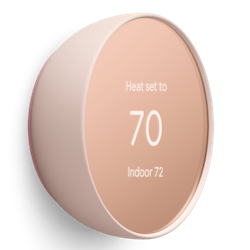
Note: Savings Finder is not available for the Nest Thermostat E or Nest Learning Thermostat.
Right after installation, it will take a few days for your thermostat to learn about your system’s efficiency, your home, and your schedule. You’ll get a notification on when your thermostat can use Savings Finder. An event will also appear as a priority event in the Home app’s Feed 
Once you enable Savings Finder, you’ll continue to receive energy-saving suggestions to adjust your thermostat’s temperatures in the Home app.
Enable or disable Savings Finder notifications
- Open the Google Home app
.
- Tap Settings
.
- Select Notifications
Thermostat notifications
- Tap the switch next to turn notifications on or off.
 .
. .
. Thermostat notifications
 View and accept temperature adjustments
- Open the Google Home app
- Tap Activity
.
- New temperature adjustment events will appear under “Priority events” at the top.
- Tap Adjust temps to accept the new temperature, or More info to compare the current and suggested temperature.
Note: If you tap Not now instead, the temperature adjustment event will disappear from the Feed.