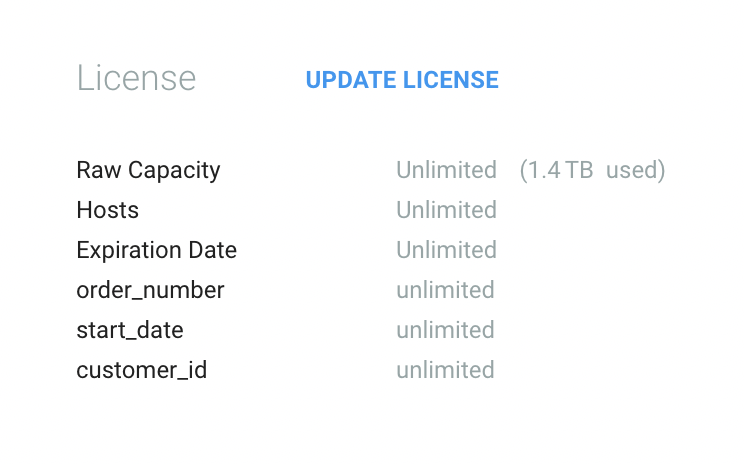
In order to install a license that you received from Elastifile Support you need to login to you Elastifile Management station UI.
This KB will walk you throw the license installation.
- Open the license file using a text editor and copy the text.
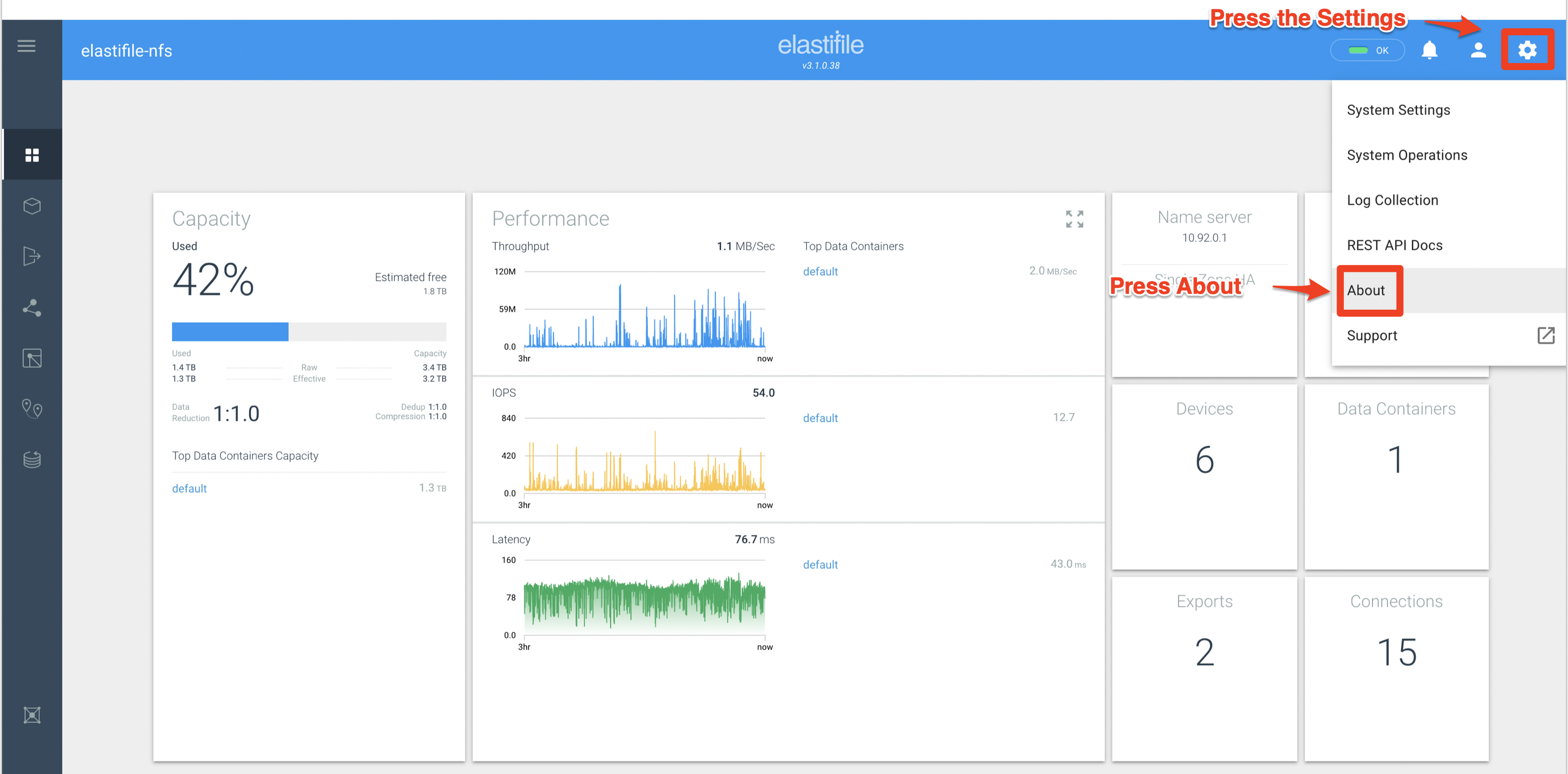
- After login press the Settings -> About buttons, on the right left corner of the UI.
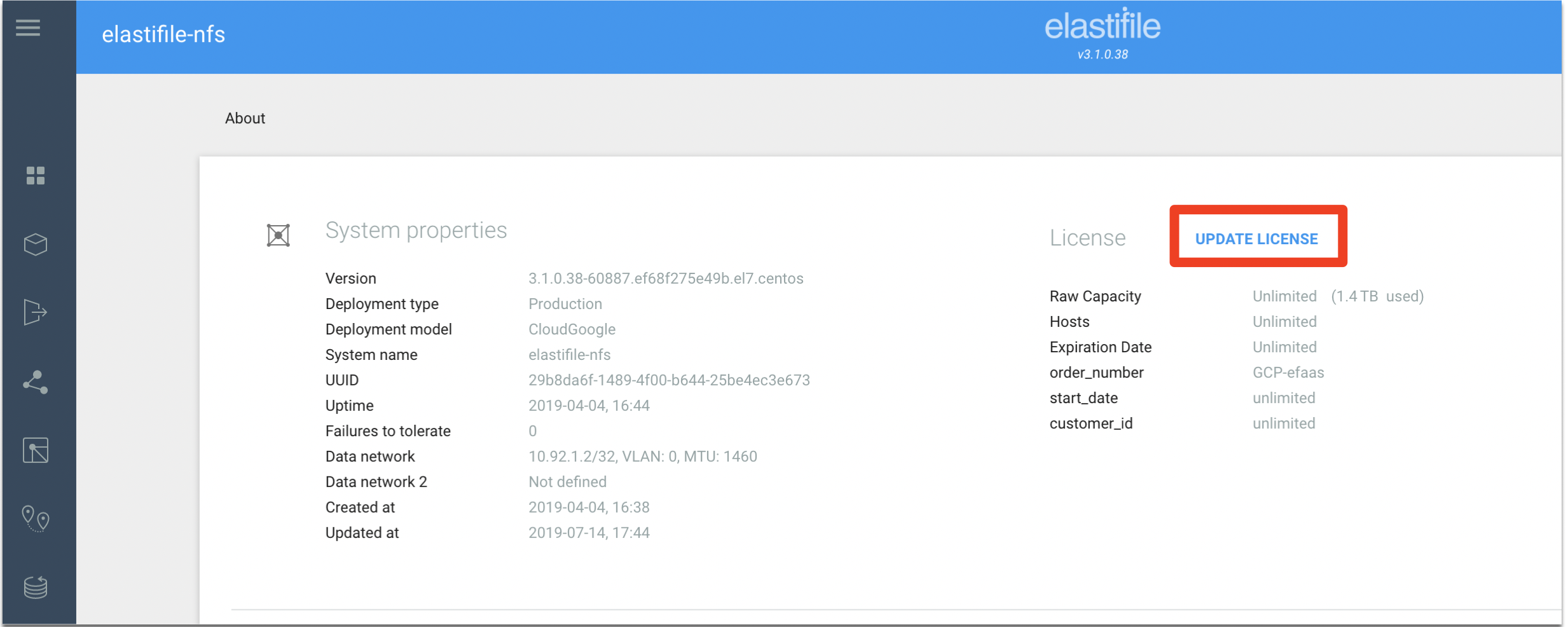
- Press "UPDATE LICENSE"
- Paste the license
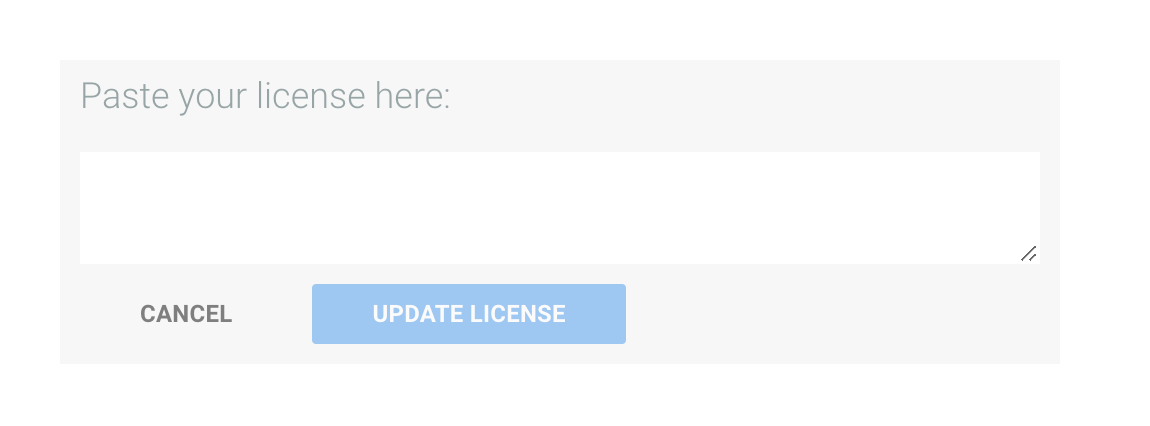
- Press "UPDATE LICENSE"

- Done system will show in the UI the new license installed.